
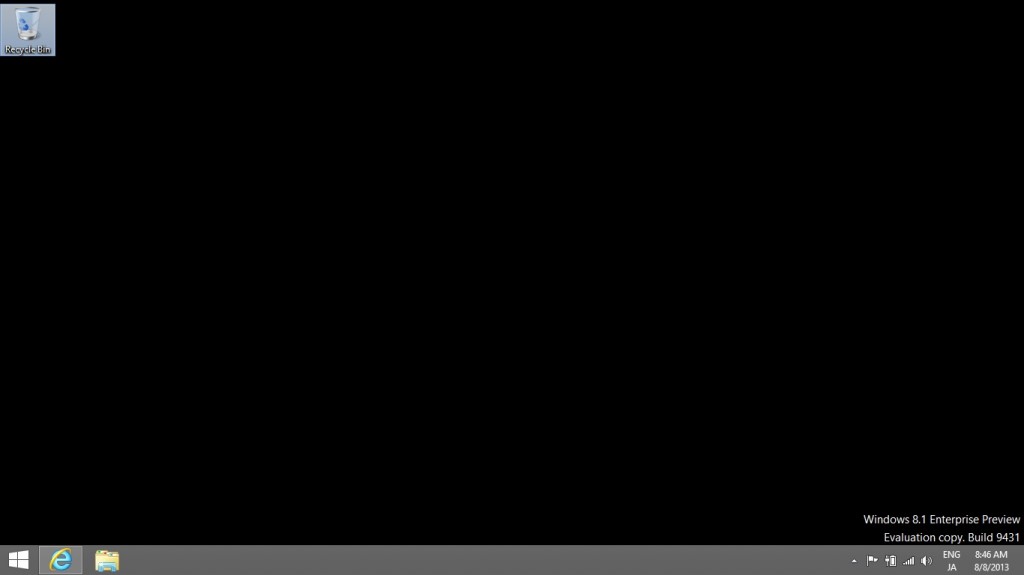
Windows 8 has a generally bad reputation, but I decided to try installing the evaluation version of the new Windows 8.1 Enterprise.

As rumored, something resembling a start button has appeared in its usual position in the bottom left.
It seems to be called "Start Tip." Clicking this will...

The start screen appears. A downward-pointing arrow appears in the lower left corner. Clicking this arrow...

Scroll down to see all apps.
Also, there's an upward-pointing arrow in the bottom left corner. Clicking this will scroll you up and return you to the start screen.
The commonly cited issue is that "shutting down is complicated,"

It appears that you can now access the newly installed Start tip by right-clicking it.
Compared to version 8, it's a little easier, I guess...