
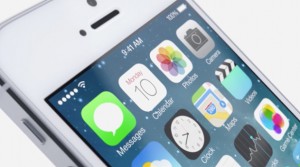
 The parallax effect has suddenly become popular this year.
With iOS 7, background parallax scrolling was introduced, and there have been reports in the US of people feeling nauseous, vomiting, and being hospitalized due to parallax sickness. While some find it beautiful, depending on the image or photo, it's understandable why some might feel unwell.
Recently, instead of parallax-relieving motion sickness medication, there have been comedies like this being streamed online, and they're quite funny!
http://youtu.be/_3Y9ADSHXMw
However, this parallax in iOS 7, while not quite the same as the "Pokémon Shock" (photosensitive seizure) incident involving the anime "Pokémon" that caused problems in the past, is undoubtedly making some people feel unwell. Even though I'm usually fine, I'm sure I might feel sick if I were watching this while suffering from a migraine.
So, here's how to prevent parallax scrolling in iOS 7.

Go to Settings > 1. General > 2. Accessibility > 3. Reduce Motion, and then switch it to the "On" position to return to the background as before.
I immediately turned it on too. I prefer this cleaner look.