
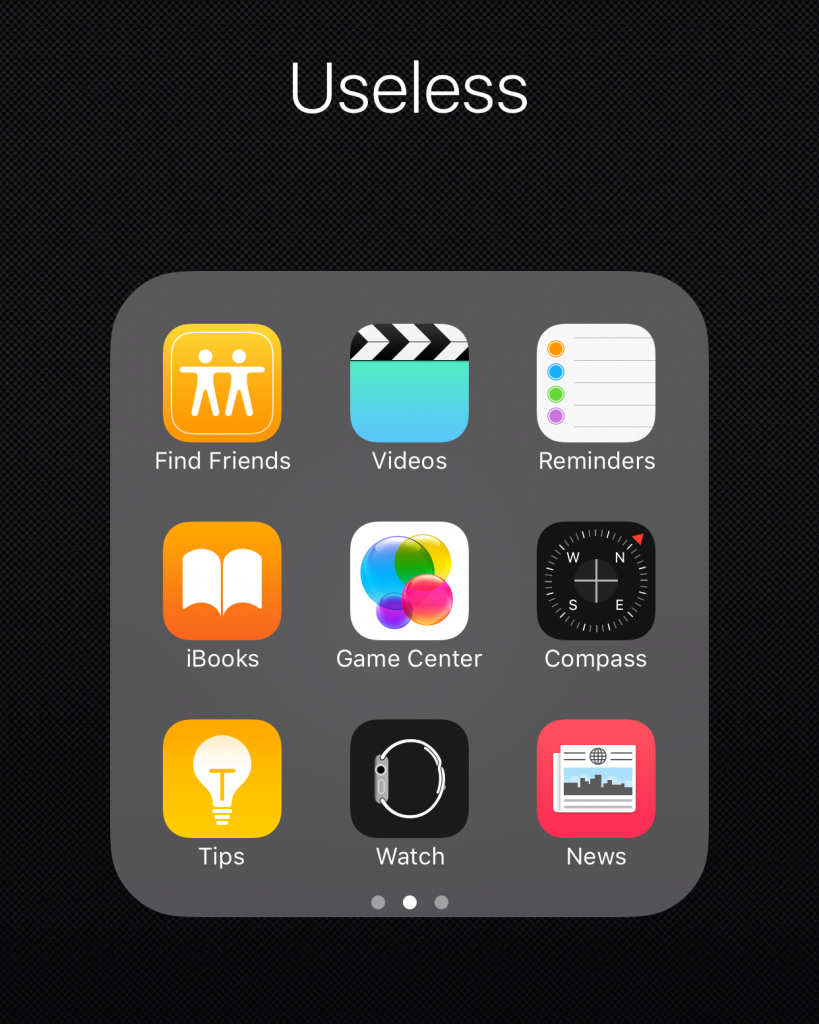
 The icons for apps that come pre-installed on iOS and that you rarely use are, frankly, nothing but a nuisance. Until now, I'd created a folder to put those kinds of icons all in one place, but with iOS 9.2, it's possible to hide the icons altogether.
First, create a folder with unwanted icons, then drag the unwanted icons to the right to create a new blank page within the folder. Next, drag that icon to the right, tap and hold, and press the home button to make the unwanted icons disappear.
Even though the icons disappear, they're actually just hidden, and the apps themselves can be launched normally by searching for them in Spotlight. Also, if you shut down and restart your device, the icons will reappear, so you'll need to repeat the same process to clean up unnecessary apps, but this shouldn't be much of a problem unless you're a user who frequently turns their device on and off.
In my case, I didn't need icons for Game Center, Apple Watch, or other shortcuts like the calculator and camera, so I deleted them all. This significantly decluttered my iOS desktop.