
It is not uncommon to use self-signed certificates (commonly known as "self-signed certificates") due to various circumstances such as working in a virtual environment or during the development phase.
...For a while now, I'd been developing using the Safari browser, but the other day I switched back to Chrome for the first time in a while. And then I ran into a problem when trying to access a page with this self-signed certificate.
Previously, after a warning appeared, I would click the [Advanced] button and then a link like "Proceed anyway (unsafe)" to proceed to the next page... but wait, that link is gone!?
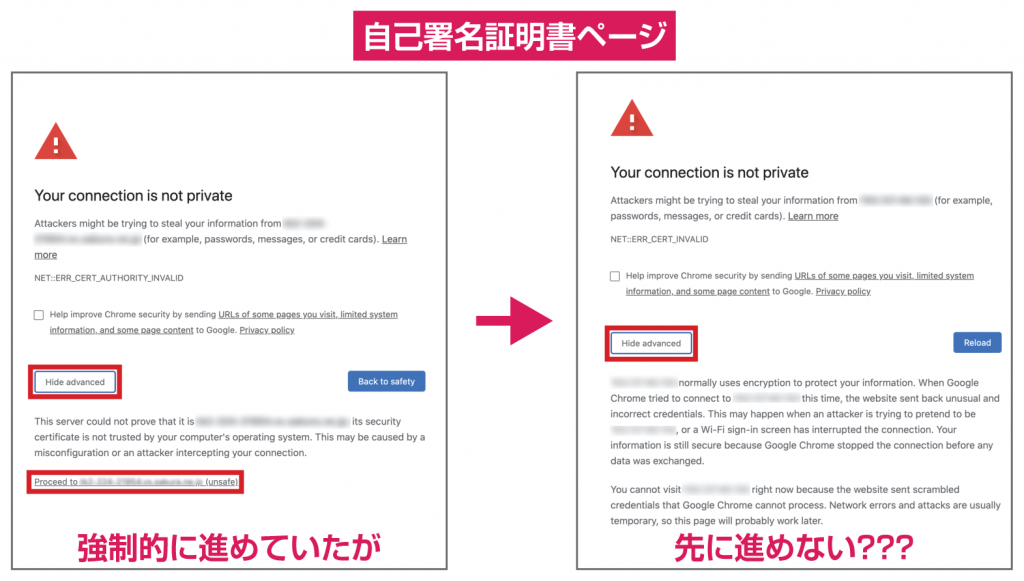
Safari and Firefox both allow you to proceed with a warning, but Chrome, perhaps due to enhanced security measures... I tried opening the Developer Tools, but I couldn't proceed at all. After investigating, it seems that you have to type "thisisunsafe" on the keyboard.
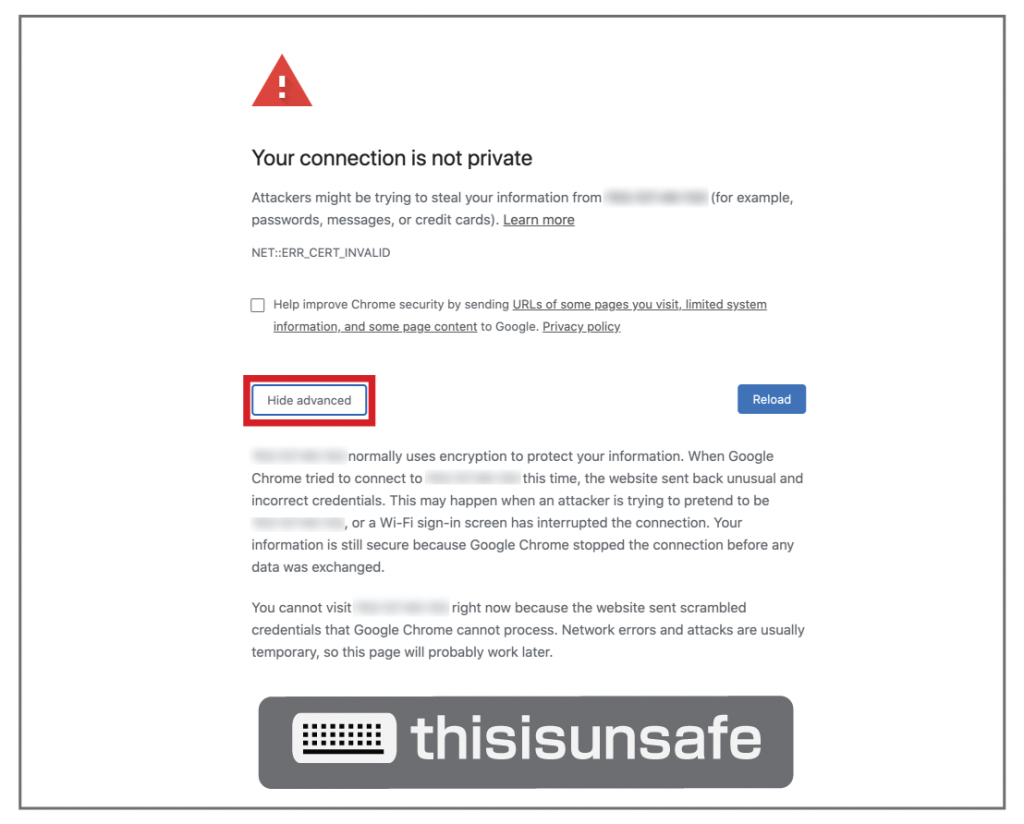
And so, we were able to proceed without any problems.