
I'm thinking of reconsidering WordPress. But I'm not really keen on using it as is... If I'm going to use one, I want something that's functional, advanced, and easy to use, with all the unnecessary features removed. So, I'm looking at a globally renowned alternative.RootsI was drawn to the company's boilerplate "Bedrock" and "Sage 9" (beta version), a simple starter theme using Bootstrap 4, Sass, and Brade.
While there's plenty of information available in Japanese about the stable version of Sage, "Sage 8," there's not much information available in English about the beta version, "Sage 9." I was wondering what to do, but after referring to the README and YouTube videos, I tried setting it up on my Mac's local environment and it went smoothly.
So, let me briefly explain the procedure.
Bedrockinstall
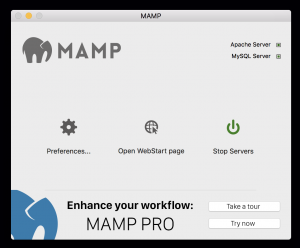
① Launch the MAMP app.
$ cd *****/WWW/CPD/
$ composer create-project roots/bedrock bedrock-wp.dev
② Using the Terminal app, navigate to a suitable location on the local server and install Bedrock using Composer (in this example, "bedrock.dev" is the document root name).
Installing roots/bedrock (1.8.1)
  - Installing roots/bedrock (1.8.1): Loading from cache
Created project in bedrock-wp.dev
> php -r "copy('.env.example', '.env');"
Loading composer repositories with package information
Installing dependencies (including require-dev) from lock file
Package operations: 8 installs, 0 updates, 0 removals
  - Installing johnpbloch/wordpress-core-installer (1.0.0): Loading from cache
  - Installing composer/installers (v1.2.0): Loading from cache
  - Installing johnpbloch/wordpress-core (4.8.1): Loading from cache
  - Installing johnpbloch/wordpress (4.8.1): Loading from cache
  - Installing oscarotero/env (v1.1.0): Loading from cache
  - Installing roots/wp-password-bcrypt (1.0.0): Loading from cache
  - Installing vlucas/phpdotenv (v2.4.0): Loading from cache
  - Installing squizlabs/php_codesniffer (2.9.1): Loading from cache
Generating autoload files
③ Installation complete.

④(1) Open the .env file in an editor and edit "DB_NAME", "DB_USER", and "DB_PASSWORD" (the database should be prepared in advance). Change "WP_HOME" to "(local domain)/web/".
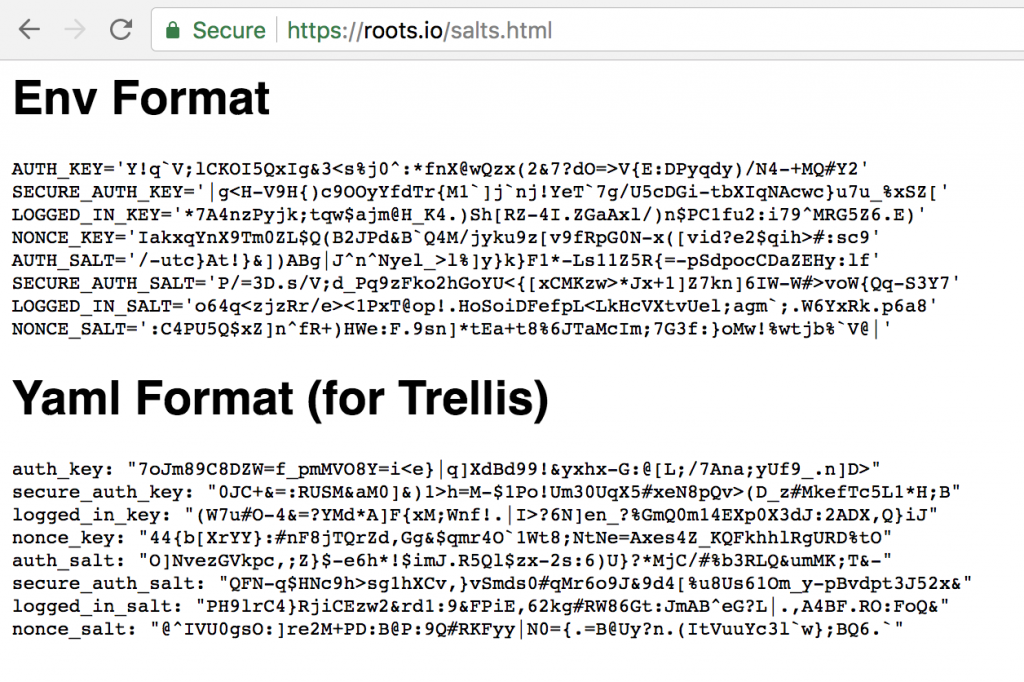
④(2) Next, copy the URL next to "Generate your keys here:" and access it in your browser. Copy all 8 lines of "Env Format" and paste them into the box in the .env file.
This completes the WordPress environment using Bedrock.
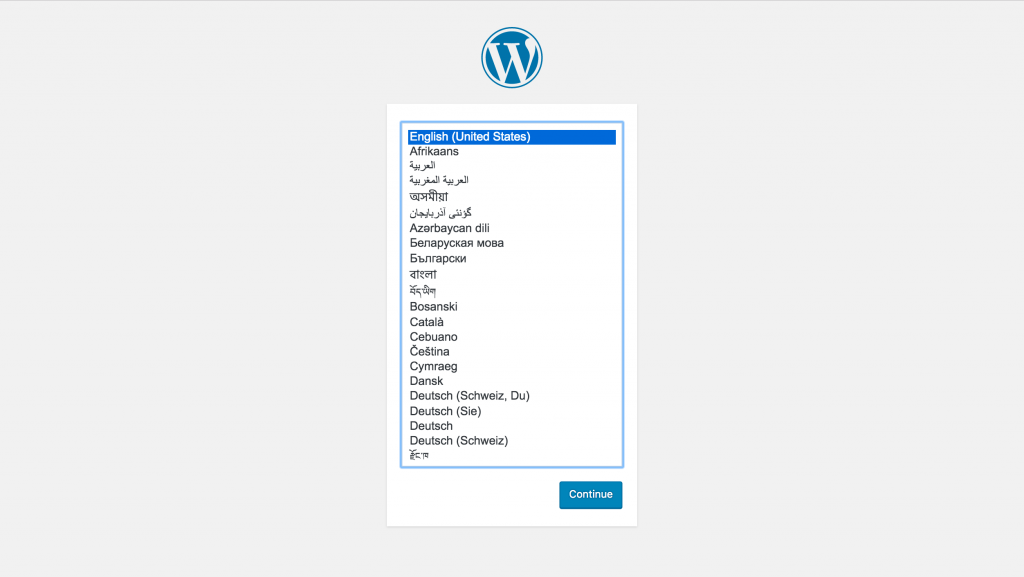
⑤ When you access (local domain)/web/ in your browser, the normal installation screen will be displayed.
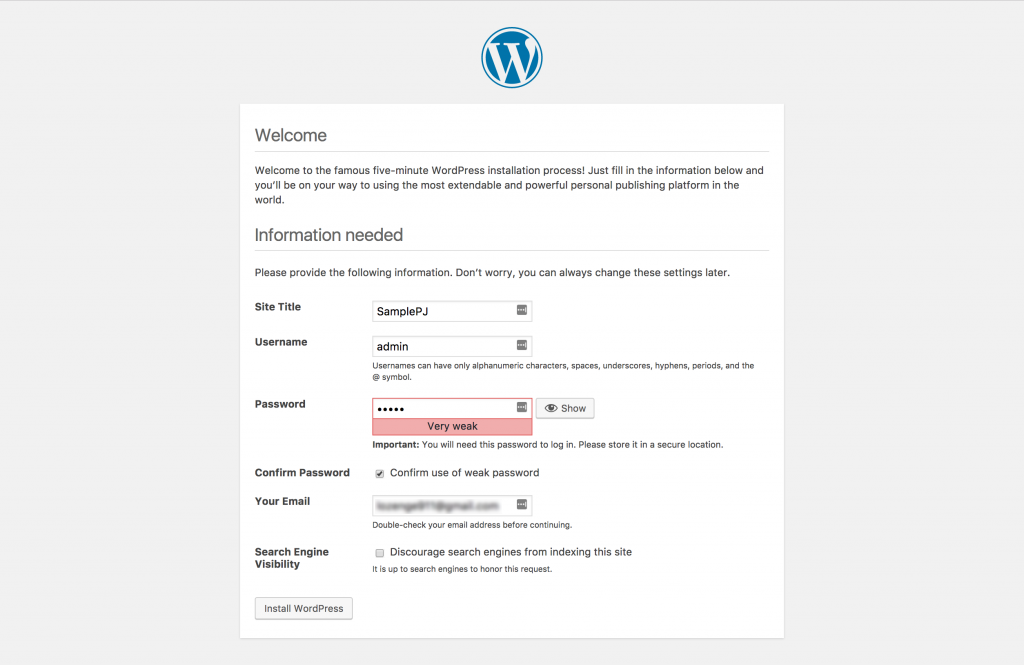
⑥ Install as is.
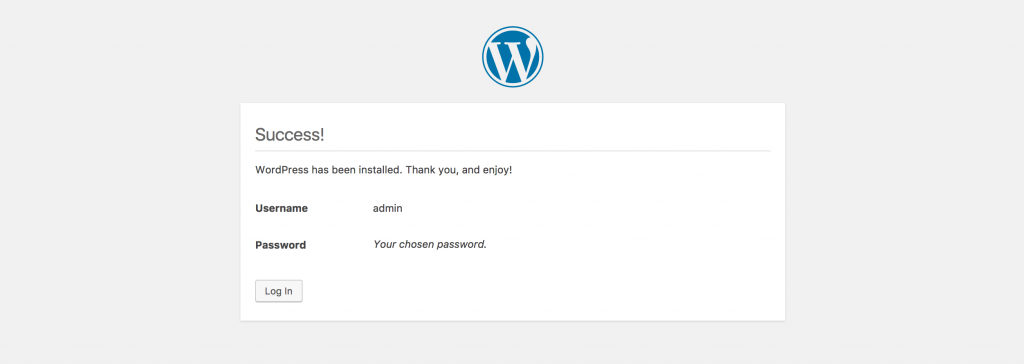
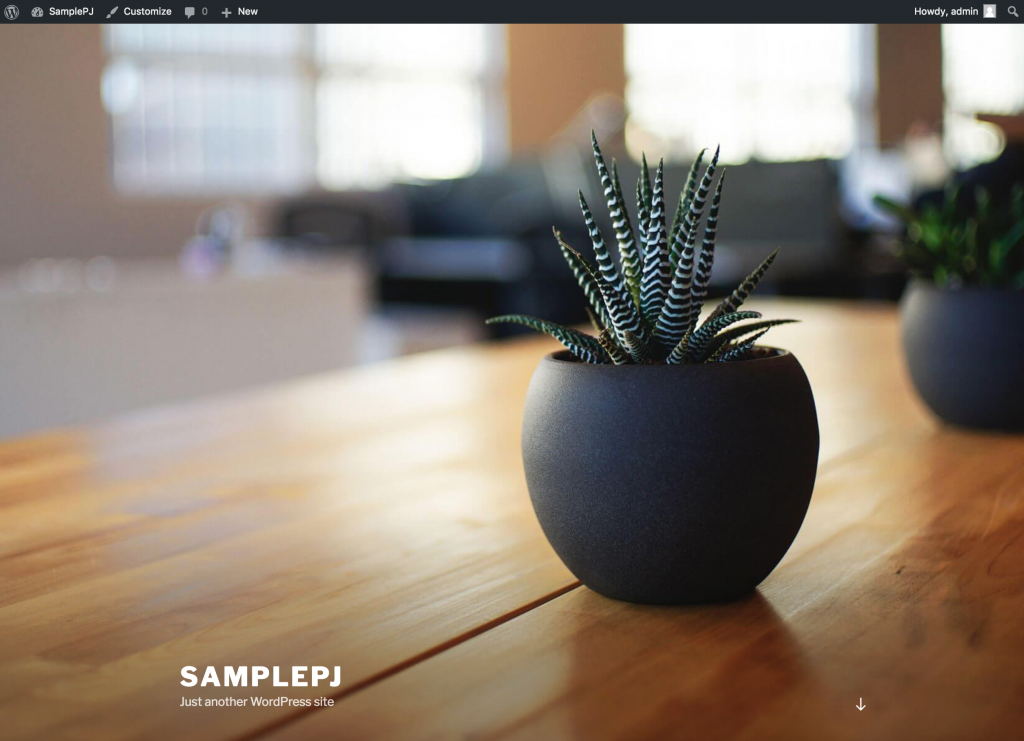
⑦ Installation complete.
Next, install the starter theme, sage 9.
Sage 9install
$ cd bedrock-wp.dev/web/app/themes/
$ git clone https://github.com/roots/sage.git sage
① Navigate to the /themes folder in your Bedrock template. Install your new theme here (the example folder name is "sage").
Cloning into 'sage'...
remote: Counting objects: 9951, done.
remote: Total 9951 (delta 0), reused 0 (delta 0), pack-reused 9950
Receiving objects: 100% (9951/9951), 4.53 MiB | 251.00 KiB/s, done.
Resolving deltas: 100% (5804/5804), done.
② Sage theme installation complete
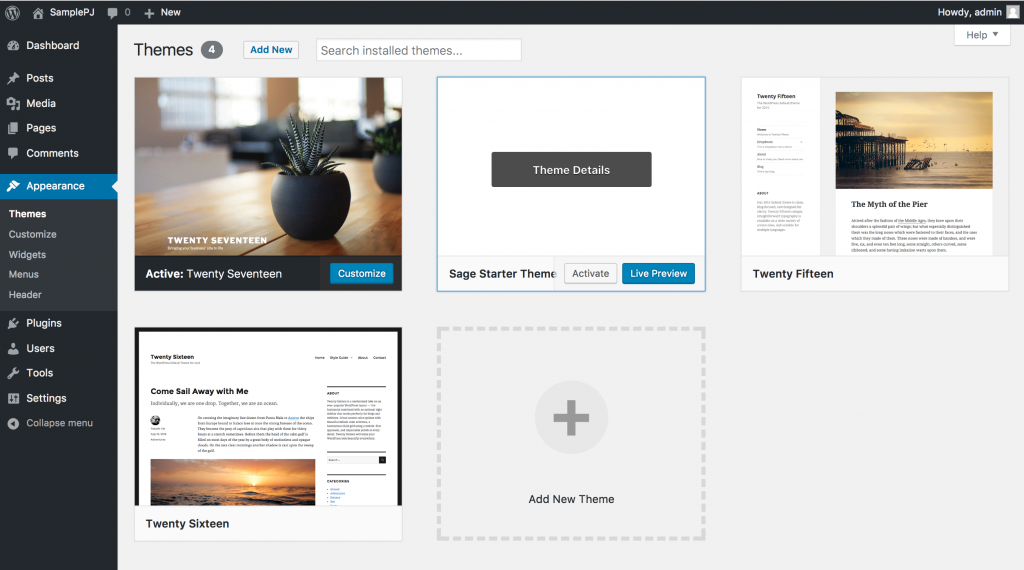
③ Change the theme to "sage" in the dashboard menu.

④ The "composer.json" file is located in the /theme/sage folder.
$ cd sage
$ composer install
⑤ Navigate to the sage folder in the terminal and run composer.
Loading composer repositories with package information
Installing dependencies (including require-dev) from lock file
Package operations: 26 installs, 0 updates, 0 removals
  - Installing composer/installers (v1.4.0): Loading from cache
  - Installing paragonie/random_compat (v2.0.10): Loading from cache
  - Installing illuminate/contracts (v5.4.27): Loading from cache
  - Installing doctrine/inflector (v1.2.0): Loading from cache
  - Installing illuminate/support (v5.4.27): Loading from cache
  - Installing illuminate/container (v5.4.27): Loading from cache
  - Installing illuminate/events (v5.4.27): Loading from cache
  - Installing psr/log (1.0.2): Loading from cache
  - Installing symfony/debug (v3.3.6): Loading from cache
  - Installing symfony/finder (v3.3.6): Loading from cache
  - Installing illuminate/filesystem (v5.4.27): Loading from cache
  - Installing illuminate/view (v5.4.27): Loading from cache
  - Installing illuminate/config (v5.4.27): Loading from cache
  - Installing roots/sage-lib (9.0.0-beta.4): Loading from cache
  - Installing symfony/yaml (v3.3.6): Loading from cache
  - Installing hassankhan/config (0.10.0): Loading from cache
  - Installing brain/hierarchy (2.3.0): Loading from cache
  - Installing soberwp/controller (9.0.0-beta.4): Loading from cache
  - Installing symfony/polyfill-mbstring (v1.5.0): Loading from cache
  - Installing symfony/translation (v3.3.6): Loading from cache
  - Installing nesbot/carbon (1.22.1): Loading from cache
  - Installing symfony/process (v3.3.6): Loading from cache
  - Installing symfony/console (v3.3.6): Loading from cache
  - Installing illuminate/console (v5.4.27): Loading from cache
  - Installing roots/sage-installer (1.3.1): Loading from cache
  - Installing squizlabs/php_codesniffer (2.9.1): Loading from cache
paragonie/random_compat suggests installing ext-libsodium (Provides a modern crypto API that can be used to generate random bytes.)
illuminate/support suggests installing symfony/var-dumper (Required to use the dd function (~3.2).)
illuminate/filesystem suggests installing league/flysystem (Required to use the Flysystem local and FTP drivers (~1.0).)
illuminate/filesystem suggests installing league/flysystem-aws-s3-v3 (Required to use the Flysystem S3 driver (~1.0).)
illuminate/filesystem suggests installing league/flysystem-rackspace (Required to use the Flysystem Rackspace driver (~1.0).)
symfony/translation suggests installing symfony/config ()
symfony/console suggests installing symfony/event-dispatcher ()
symfony/console suggests installing symfony/filesystem ()
illuminate/console suggests installing guzzlehttp/guzzle (Required to use the ping methods on schedules (~6.0).)
illuminate/console suggests installing mtdowling/cron-expression (Required to use scheduling component (~1.0).)
Generating autoload files
⑥ Composer execution complete.

⑦ Check /sage/README.md.

⑧ Change the "devUrl" in resources/assets/config.json to your local hostname. (Note: If you did not install the sage theme to "sage", you will also need to modify "publicPath".)
$ brew update
$ brew install yarn
⑨ Install yarn on your Mac environment (if you haven't already).
$ yarn
⑩ Run yarn.
yarn install v0.27.5
[1/4] Resolving packages...
[2/4] Fetching packages...
[3/4] Linking dependencies...
[4/4] Building fresh packages...
warning Your current version of Yarn is out of date. The latest version is "1.0.1" while you're on "0.27.5".
Done in 20.43s.
⑪ Yarn execution complete.
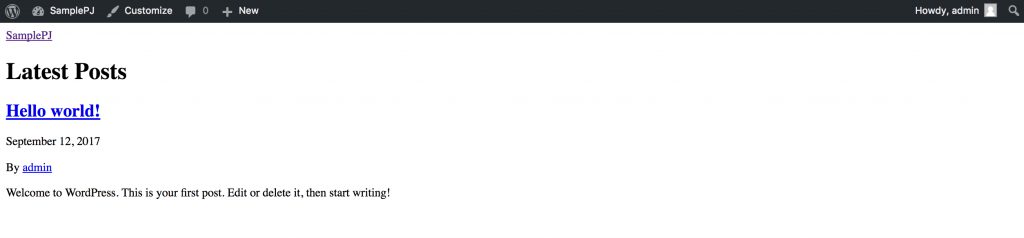
⑫ Check the front page. No formatting has been done whatsoever.
$ yarn run build
⑬ Run the build using yarn.
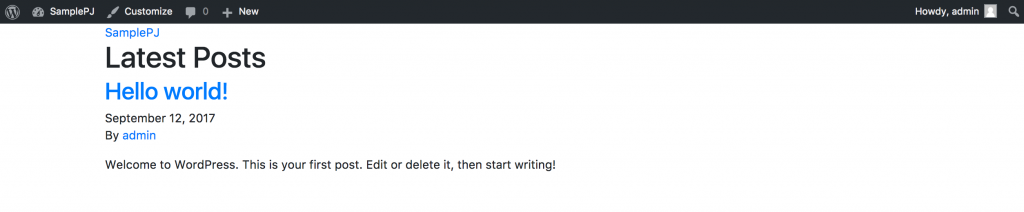
⑭ The initial layout was applied.
$ yarn run start
⑮ Compile and run browser sync.

⑯ As a test, try applying CSS to /resources/assets/styles/common/_global.scss and saving it.
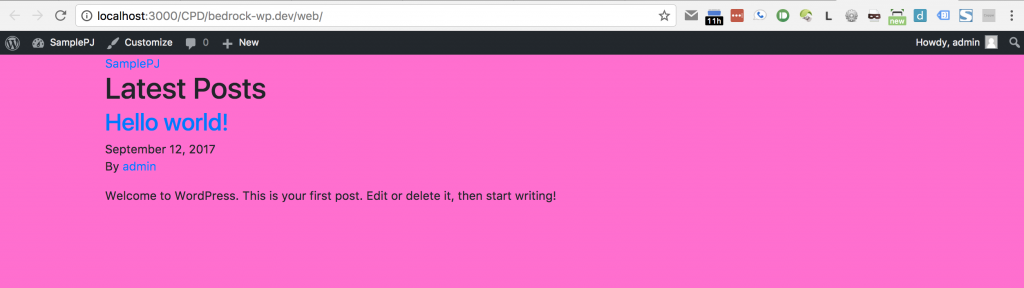
⑰ Browser sync is performed, and the browser is automatically reloaded.
That's all.